| .cursor | ||
| .devcontainer | ||
| .github | ||
| .junie | ||
| app | ||
| bootstrap | ||
| config | ||
| database | ||
| docker/prod | ||
| docs | ||
| lang/de | ||
| public | ||
| resources | ||
| routes | ||
| screenshots | ||
| storage | ||
| tests | ||
| .dockerignore | ||
| .editorconfig | ||
| .env.example | ||
| .env.example.local | ||
| .gitattributes | ||
| .gitignore | ||
| .mcp.json | ||
| artisan | ||
| CLAUDE.md | ||
| composer.json | ||
| composer.lock | ||
| CONTRIBUTING.md | ||
| docker-compose.yml | ||
| Dockerfile | ||
| example.png | ||
| LICENSE.md | ||
| package-lock.json | ||
| package.json | ||
| phpstan.neon | ||
| phpunit.xml | ||
| pint.json | ||
| README.md | ||
| README_byos-devices.jpeg | ||
| README_byos-screenshot-dark.png | ||
| README_byos-screenshot.png | ||
| vite.config.js | ||



TRMNL BYOS (PHP/Laravel)

TRMNL BYOS Laravel is a self-hostable implementation of a TRMNL server, built with Laravel. It enables you to manage TRMNL devices, generate screens dynamically, and can act as a proxy for the native cloud service (native plugins, recipes).
If you are looking for a Laravel package designed to streamline the development of both public and private TRMNL plugins, check out bnussbau/trmnl-laravel.
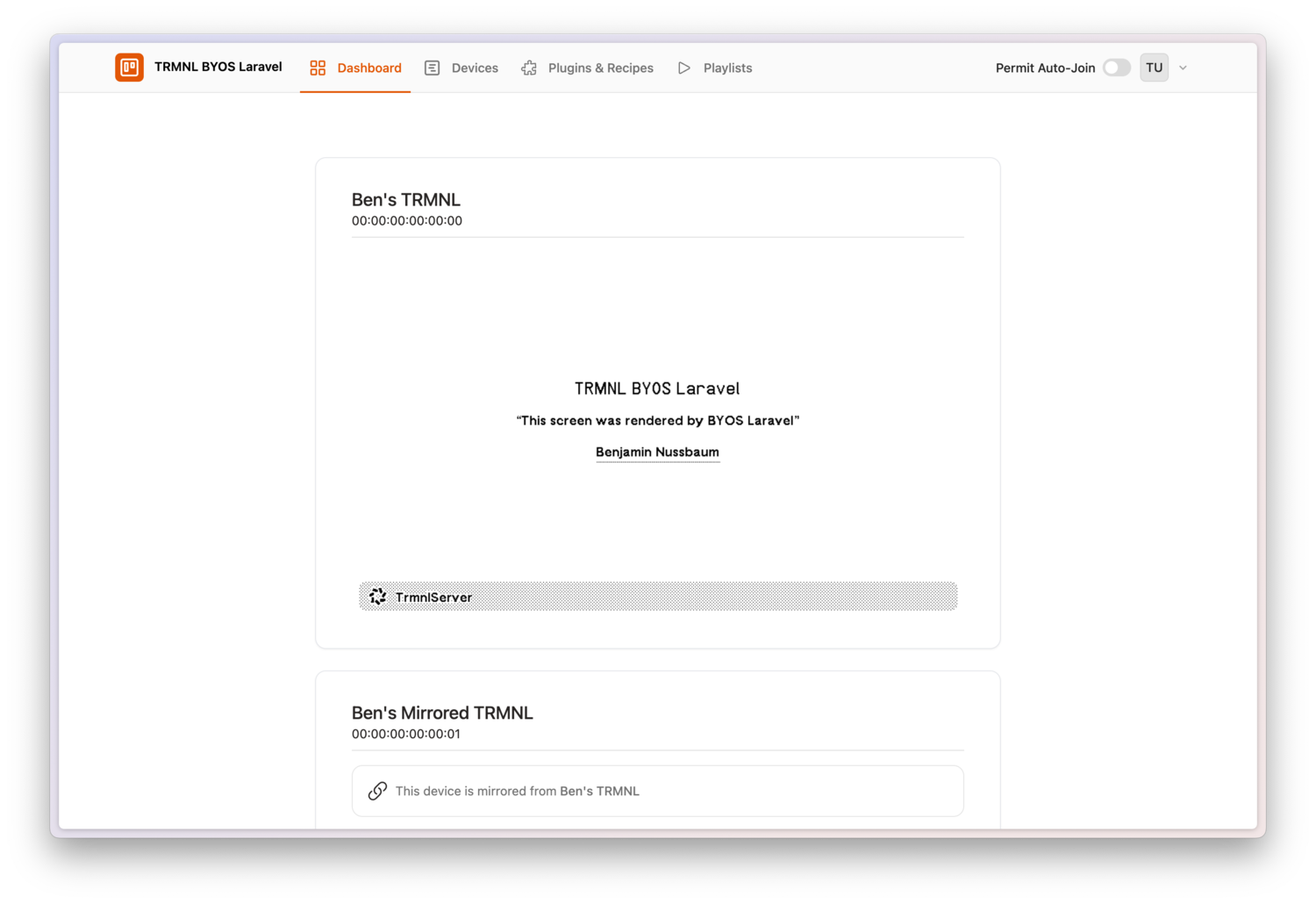
Key Features
- 📡 Device Information – Display battery status, WiFi strength, firmware version, and more.
- 🔍 Auto-Join – Automatically detects and adds devices from your local network.
- 🖥️ Screen Generation – Supports Plugins (even Mashups), Recipes, API, Markup, or updates via Code.
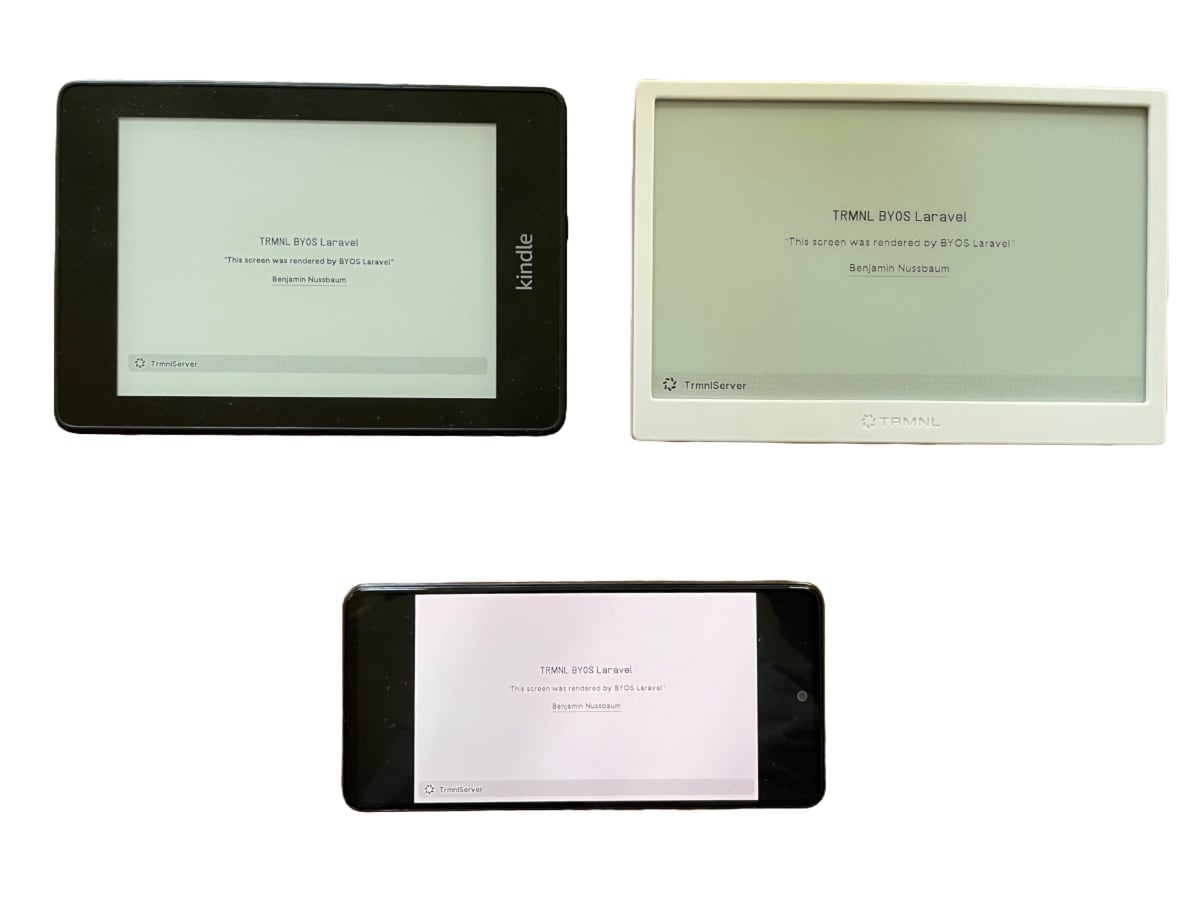
- Supported Devices / Apps: TRMNL, ESP32 with TRMNL firmware, trmnl-android, trmnl-kindle, …
- 🔄 TRMNL API Proxy – Can act as a proxy for the native cloud service (requires TRMNL Developer Edition).
- This enables a hybrid setup – for example, you can update your custom Train Monitor every 5 minutes in the morning, while displaying native TRMNL plugins throughout the day.
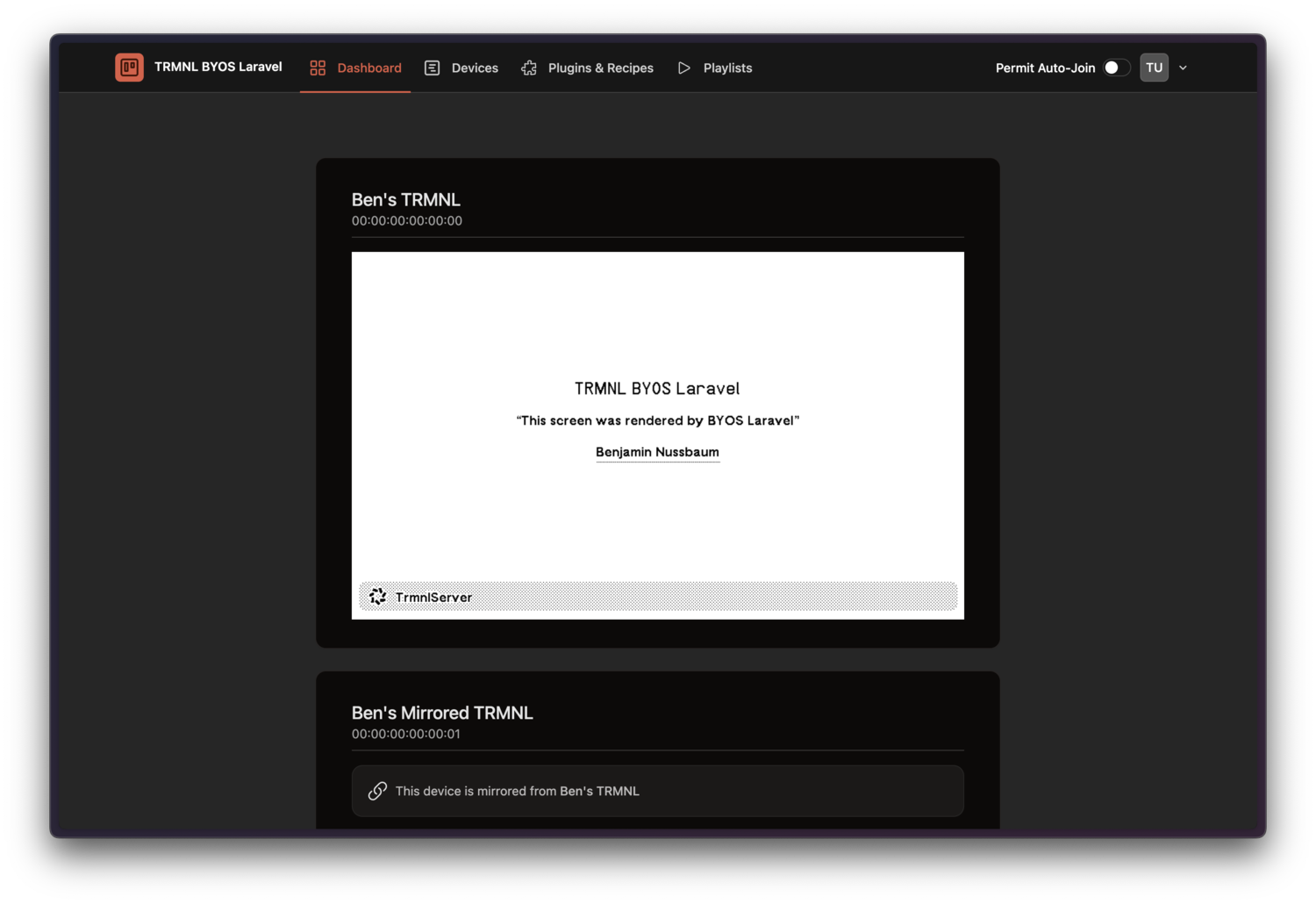
- 🌙 Dark Mode – Switch between light and dark mode.
- 🐳 Deployment – Dockerized setup for easier hosting (Dockerfile, docker-compose).
- 🛠️ Devcontainer support for easier development.
🎯 Target Audience
This project is for developers who are looking for a self-hosted server for devices running the TRMNL firmware. It serves as a starter kit, giving you the flexibility to build and extend it however you like.
Support ❤️
This repo is maintained voluntarily by @bnussbau.
Support the development of this package by purchasing a TRMNL device through the referral link: https://usetrmnl.com/?ref=laravel-trmnl. At checkout, use the code laravel-trmnl to receive a $15 discount on your purchase.
or

Hosting
Run everywhere, where Docker is supported: Raspberry Pi, VPS, NAS, Container Cloud Service (Cloud Run, ...).
For production use, generate a new APP_KEY (php artisan key:generate --show) and set the environment variable APP_KEY=. For personal use, you can disable registration (see section Environment Variables).
Docker Compose
Docker Compose file located at: docker/prod/docker-compose.yml.
Backup Database
docker ps #find container id of byos_laravel container
docker cp {{CONTAINER_ID}}:/var/www/html/database/storage/database.sqlite database_backup.sqlite
Updating via Docker Compose
docker compose pull
docker compose down
docker compose up -d
VPS
If you’re using a VPS (e.g., Hetzner) and prefer an alternative to native Docker, you can install Dokploy and deploy BYOS Laravel using the integrated Template. It’s a quick way to get started without having to manually manage Docker setup.
PikaPods
You can vote for TRMNL BYOS Laravel to be included as PikaPods Template here: feedback.pikapods.com
Other Hosting Options
Laravel Forge, or bare metal PHP server with Nginx or Apache is also supported.
Requirements
- PHP >= 8.2
- ext-imagick
- puppeteer see Browsershot docs
Local Development
Demo Plugins
Run the ExampleRecipesSeeder to seed the database with example plugins:
php artisan db:seed --class=ExampleRecipesSeeder
- Zen Quotes
- This Day in History
- Weather
- Train Departure Monitor
- Home Assistant
- Sunrise/Sunset
Usage
Environment Variables
| Environment Variable | Description | Default |
|---|---|---|
TRMNL_PROXY_BASE_URL |
Base URL of the native TRMNL service | https://trmnl.app |
TRMNL_PROXY_REFRESH_MINUTES |
How often should the server fetch new images from native service | 15 |
REGISTRATION_ENABLED |
Allow user registration via Webinterface | 1 |
SSL_MODE |
SSL Mode, if not using a Reverse Proxy (docs) | off |
FORCE_HTTPS |
If your server handles SSL termination, enforce HTTPS. | 0 |
PHP_OPCACHE_ENABLE |
Enable PHP Opcache | 0 |
TRMNL_IMAGE_URL_TIMEOUT |
How long TRMNL waits for a response on the display endpoint. (sec) | 30 |
APP_TIMEZONE |
Default timezone, which will be used by the PHP date functions | UTC |
Login
If your environment is local, you can access the server at http://localhost:4567 and login with user / password
admin@example.com / admin@example.com, otherwise register. With environment variable REGISTRATION_ENABLED you can control, if registration is allowed.
➕ Add Your TRMNL Device
Auto-Join (Local Network)
- Switch on the “Permit Auto-Join” toggle in the header. For that to work only one user can be registered.
- New devices on your local network will be detected and added automatically when connecting to the server.
✅ This is the easiest way to connect your devices with minimal effort.
Manually
- Open the Devices page: 👉 http://localhost:4567/devices
- Click “Add New Device”.
- Retrieve your TRMNL MAC Address and API Key:
- You can grab the TRMNL Mac Address and API Key from the TRMNL Dashboard
- Alternatively, debug incoming requests to /api/setup to determine them
⚙️ Configure Server for Device
📌 Firmware Version 1.4.6 or Newer
- Setup device
- After entering Wifi credentials, choose "Custom Server"
- Point to the URL of your server
Firmware Older Than 1.4.6
If your device firmware is older than 1.4.6, you need to flash a new firmware version to point it to your server.
See this YouTube guide: https://www.youtube.com/watch?v=3xehPW-PCOM
☁️ Activate fresh TRMNL Device with Cloud Proxy
- Setup the TRMNL as in the official docs with the cloud service (connect one of the plugins to later verify it works)
- Setup Laravel BYOS, create a user and login
- In Laravel BYOS in the header bar, activate the toggle "Permit Auto-Join"
- Press and hold the button on the back of your TRMNL for 5 seconds to reactivate the captive portal (or reflash).
- Go through the setup process again, in the screen where you provide the Wi-Fi credentials there is also option to set the Server URL. Use the local address of your Laravel BYOS
- The device should automatically appear in the device list; you can deactivate the "Permit Auto-Join" toggle again.
- In the devices list, activate the toggle "☁️ Proxy" for your device. (Make sure that the queue worker is active. In the docker image it should be running automatically.)
- As long as no Laravel BYOS plugin is scheduled, the device will show your cloud plugins.
Troubleshooting
Make sure that your device has a Developer license, you should be able to verify by calling the https://trmnl.app/api/display endpoint.
- https://docs.usetrmnl.com/go/private-api/introduction
- https://docs.usetrmnl.com/go/private-api/fetch-screen-content
🖥️ Generate Screens
Markup via Web Interface
- Navigate to Plugins > Markup in the Web Interface.
- Enter your markup manually or select from the available templates.
- Save and apply the changes.
- Available Blade Components are listed here: laravel-trmnl-blade | Blade Components
🎨 Blade View
- Edit
resources/views/trmnl.blade.php- Available Blade Components are listed here: laravel-trmnl-blade | Blade Components
- To generate the screen, run
php artisan trmnl:screen:generate
Generate via API
You can dynamically update screens by sending a POST request.
- Send a POST request to
/api/screenwith the following payload
Header
Authorization Bearer <TOKEN>
Body
{
    "markup": "<h1>Hello World</h1>"
}
🤝 Contribution
Contributions are welcome! See CONTRIBUTING.md for details.